MVP app for your business

Get your MVP app from a ready UI prototype.

Select one polished UI direction and build frontend UI or an MVP with backend from it. Or enter your email, generate one new UI design for free, and turn that design into your app when it is ready.

7-day MVP directionStart with a UI and move into a working frontend or scoped MVP.
Agency alternativeAvoid the usual $15k-$50k, 3-6 month starting point.
Refund safetyIf you are not satisfied within 7 days, request a refund.

Two ways to start

Choose a ready UI, or create your own UI first.

The promise is simple: choose the strongest visual starting point, then decide whether you want frontend UI development or a scoped MVP with backend. If you do not see the right direction, create one new UI design first.

Start from a polished UI

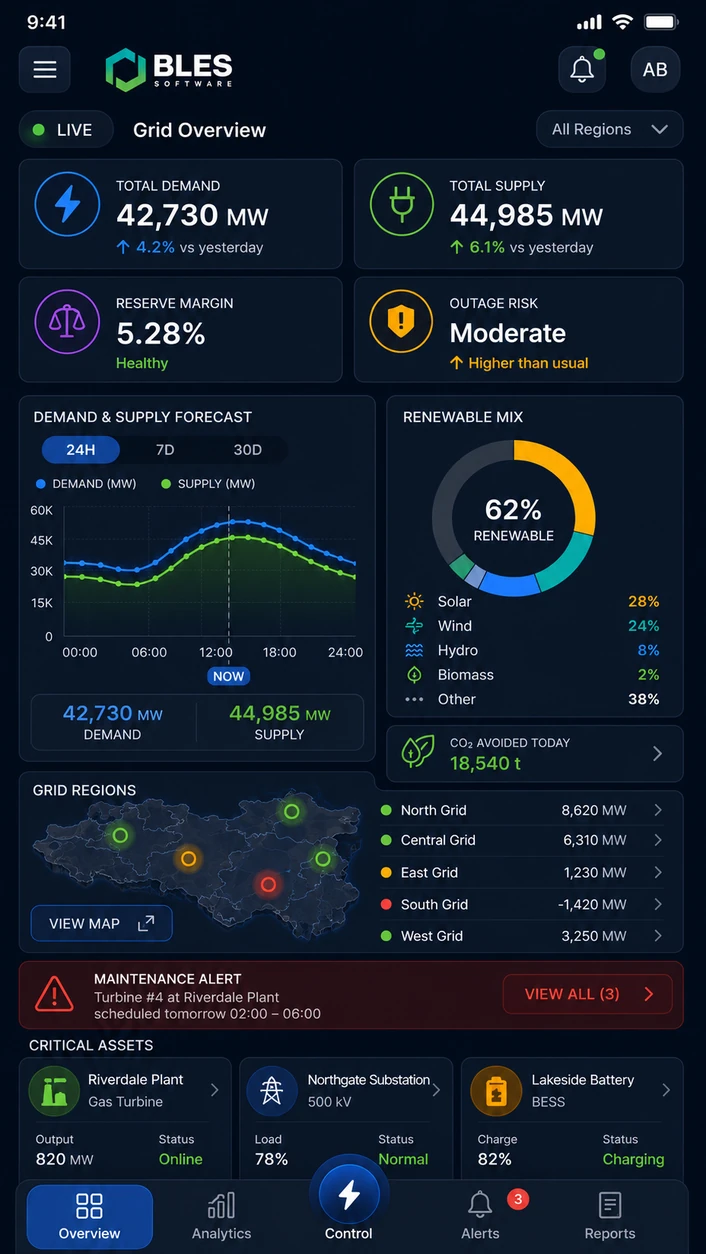
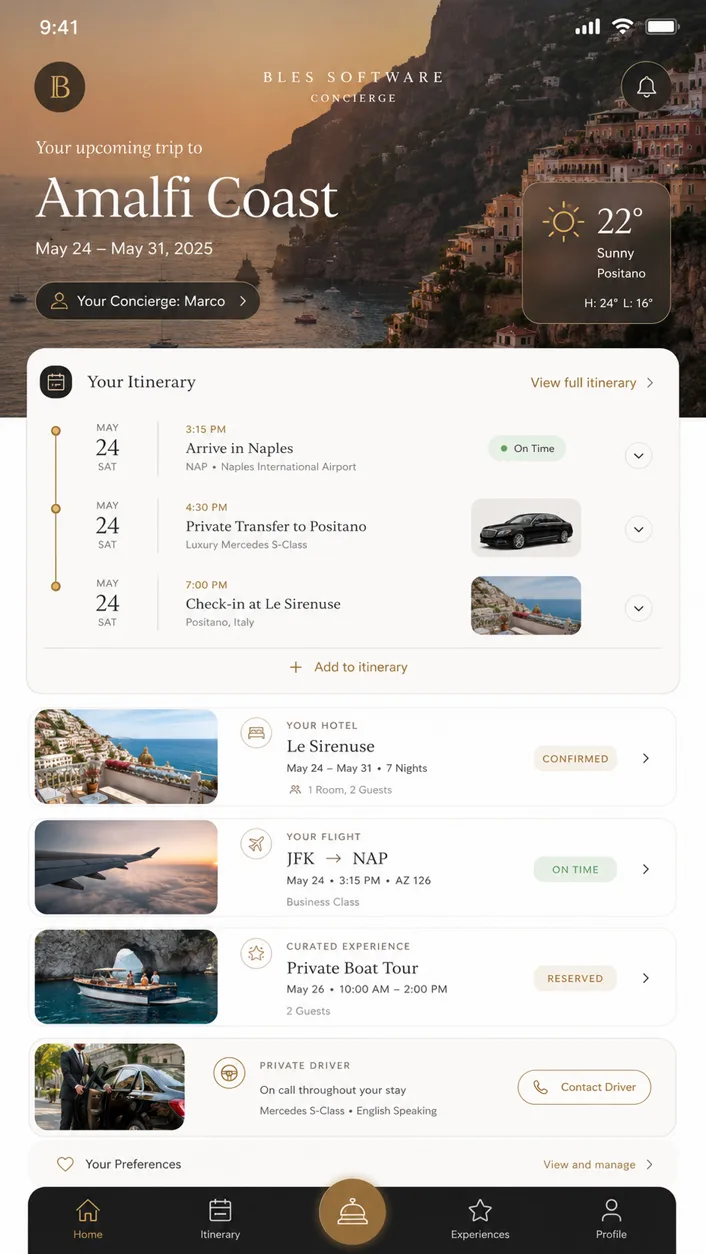
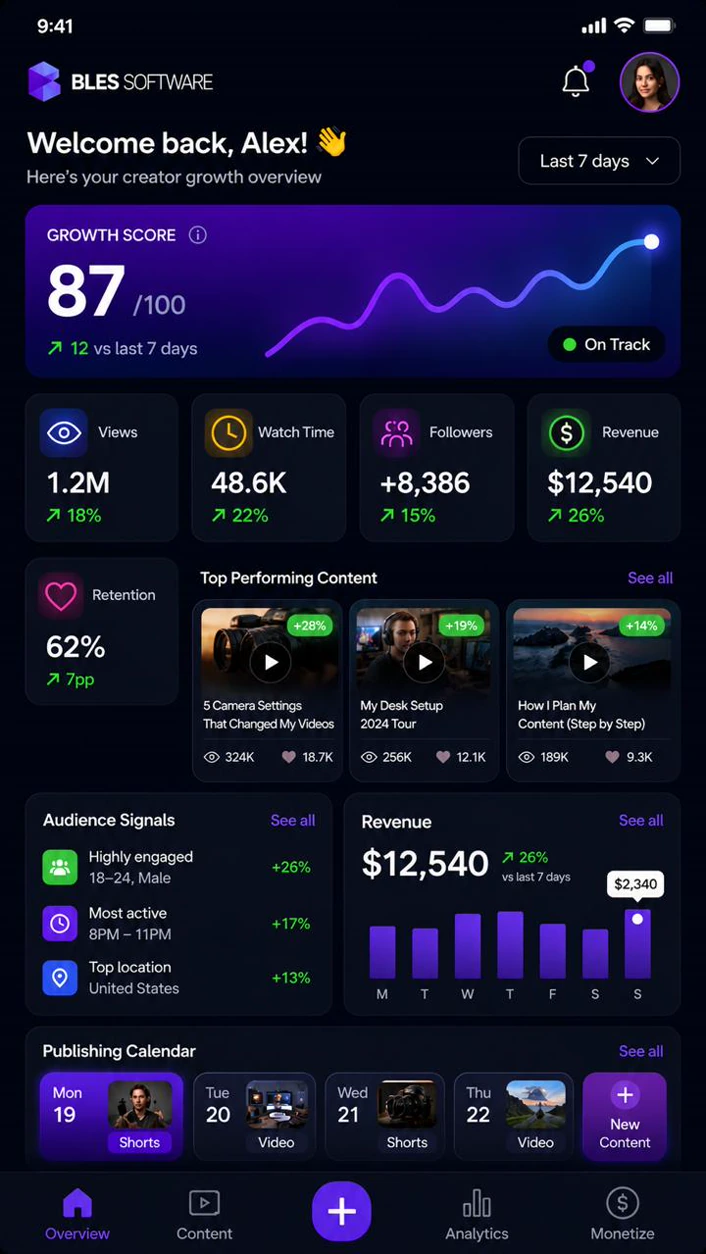
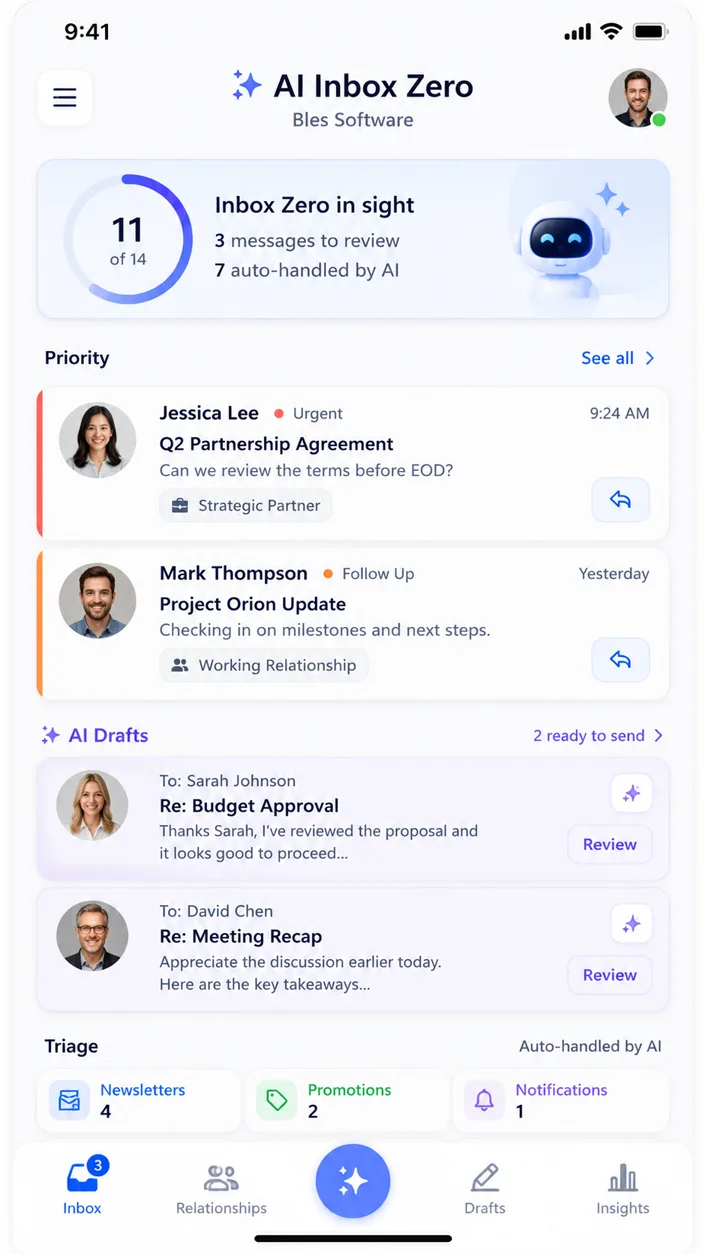
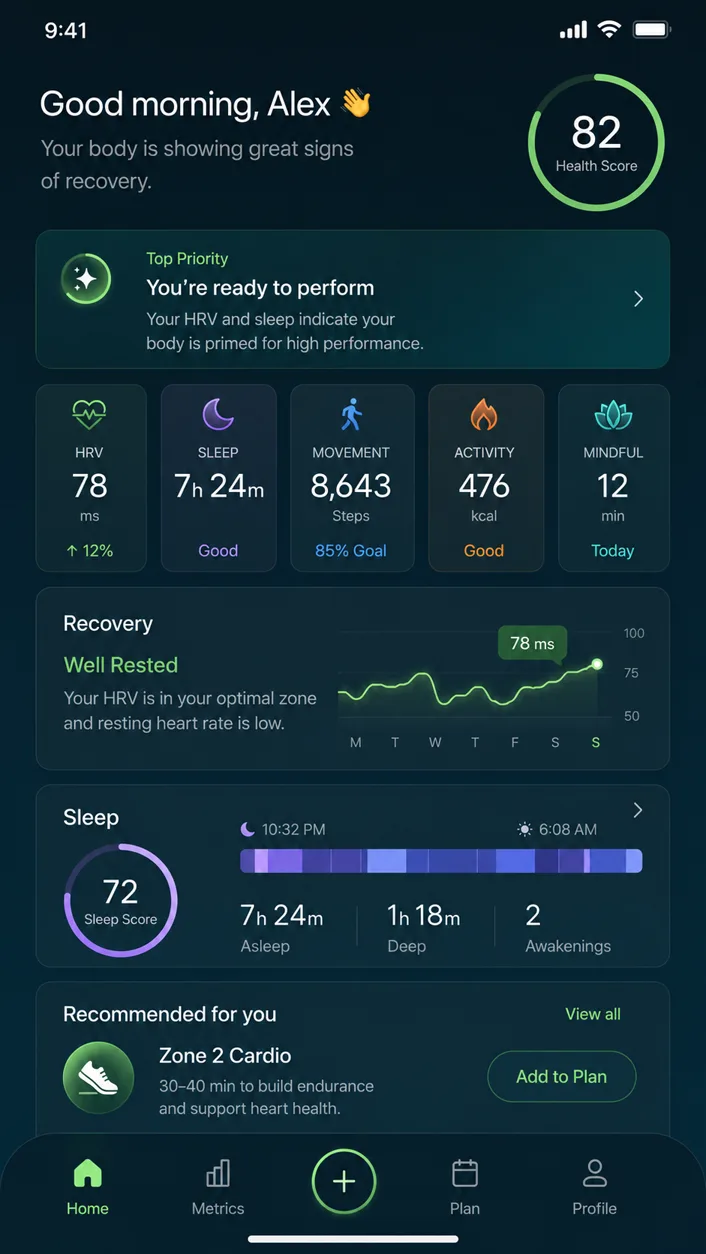
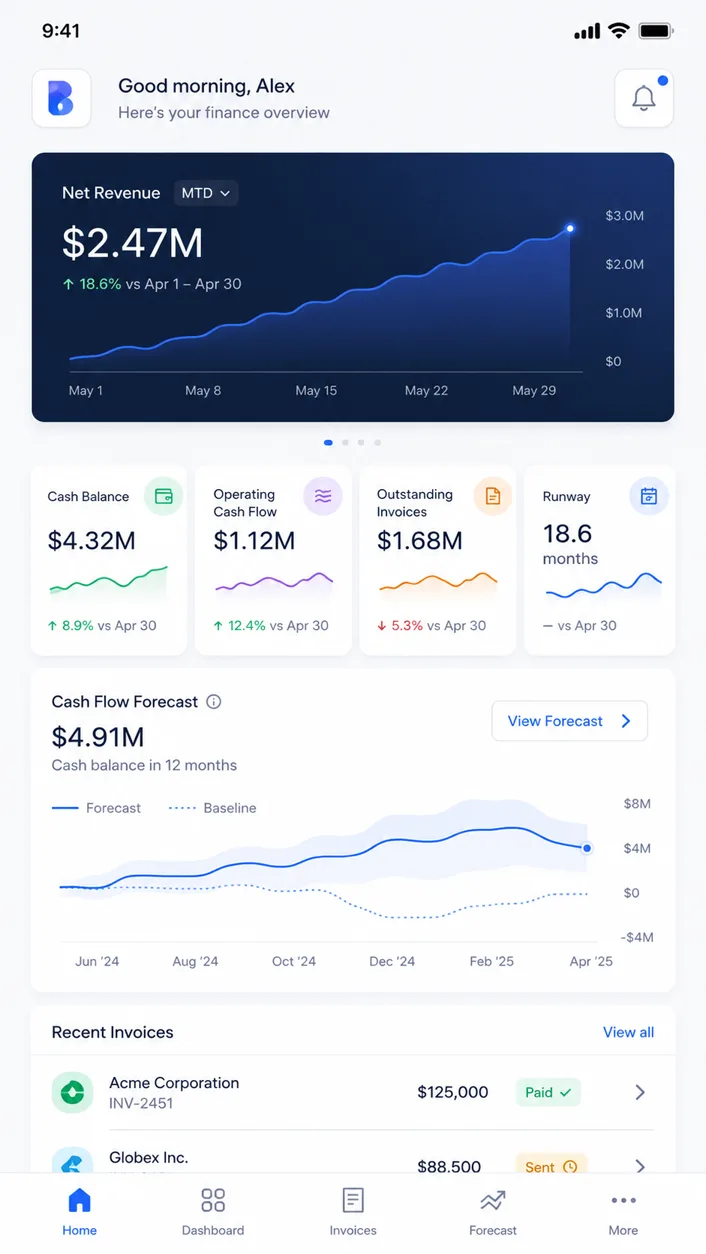
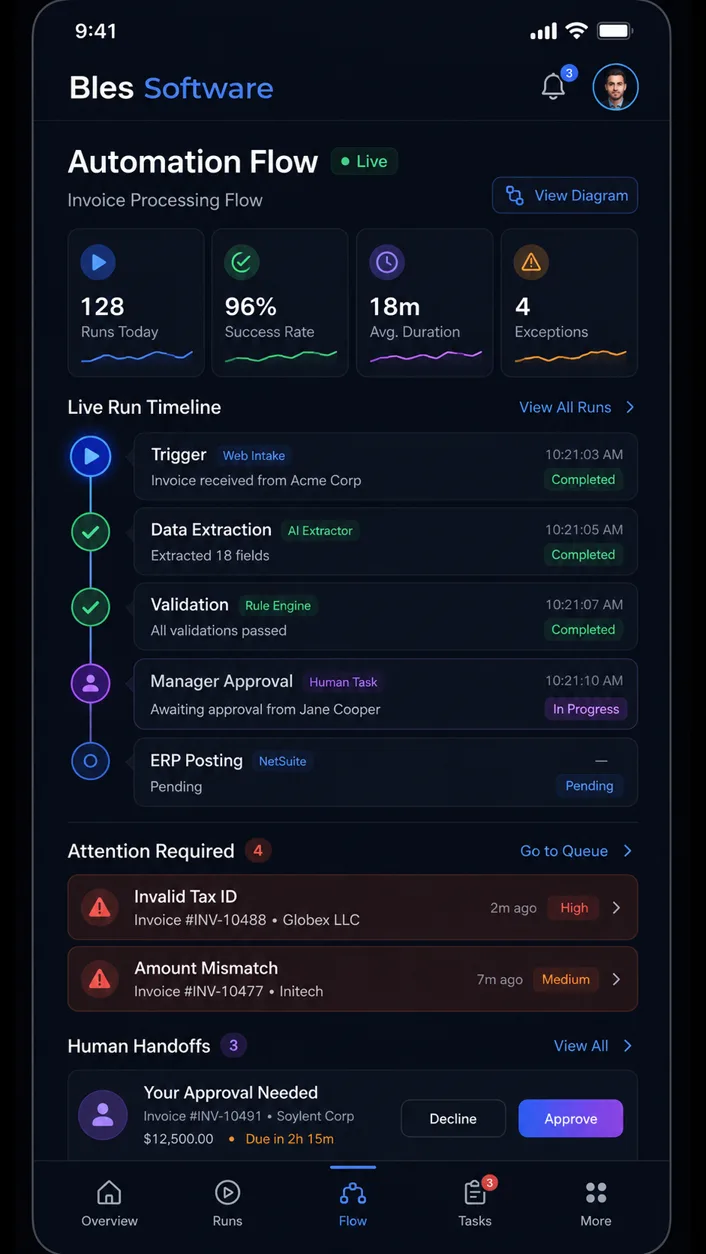
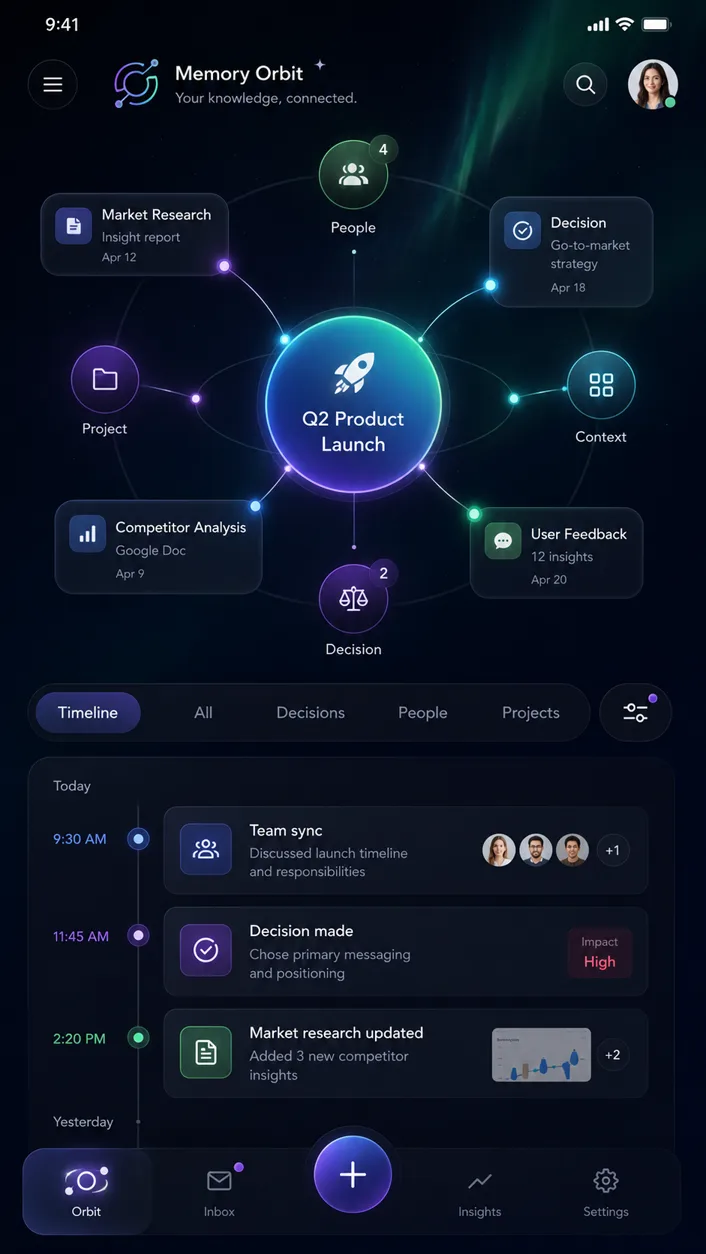
Pick the mobile and desktop direction that fits your business, enter your email, write the build brief, and choose frontend UI or MVP backend.

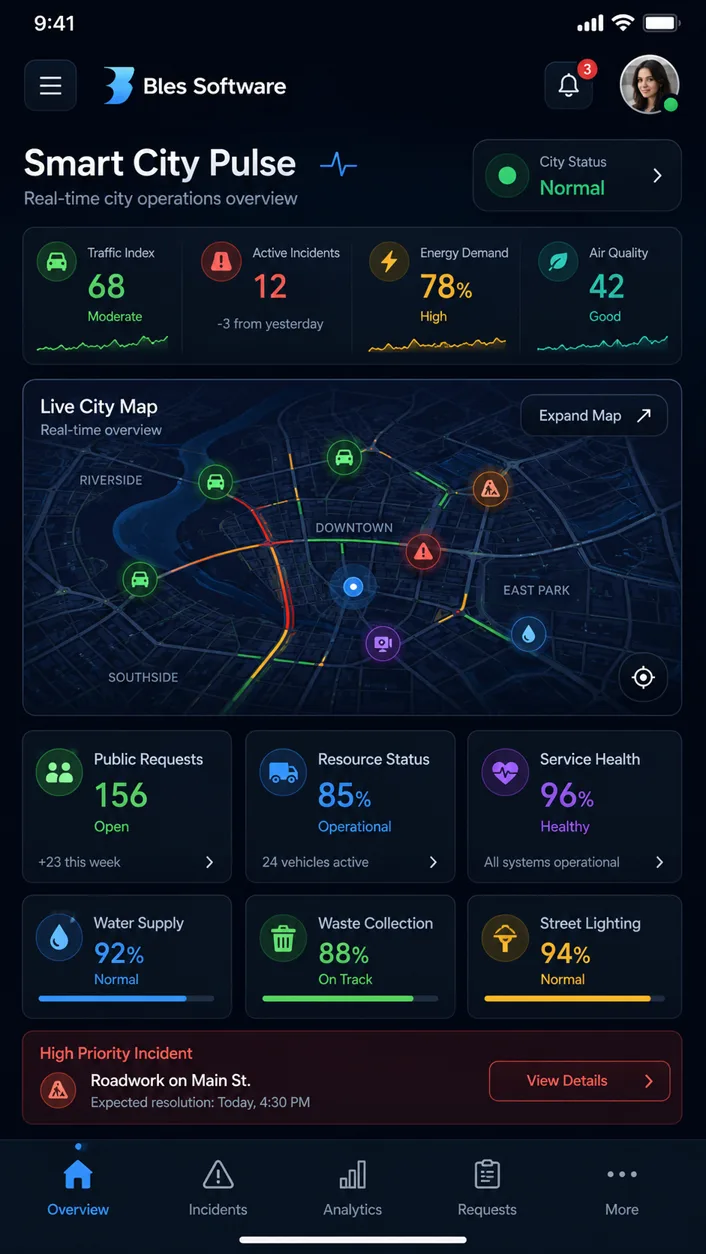
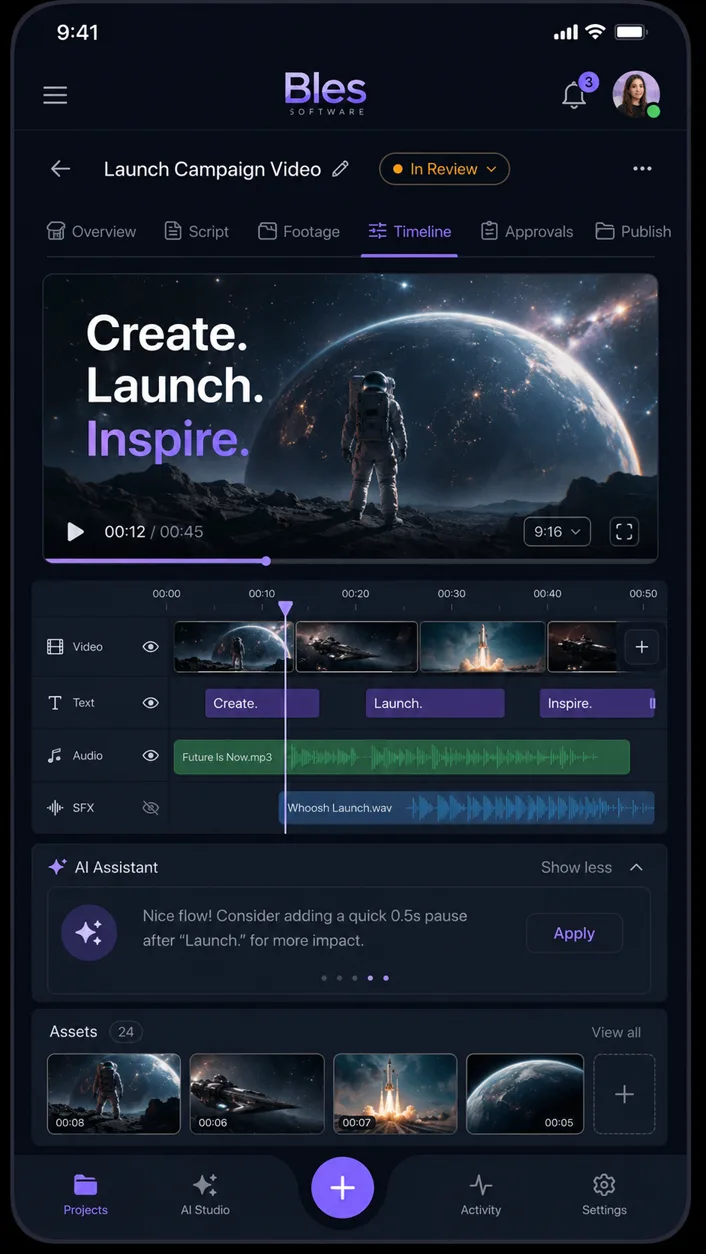
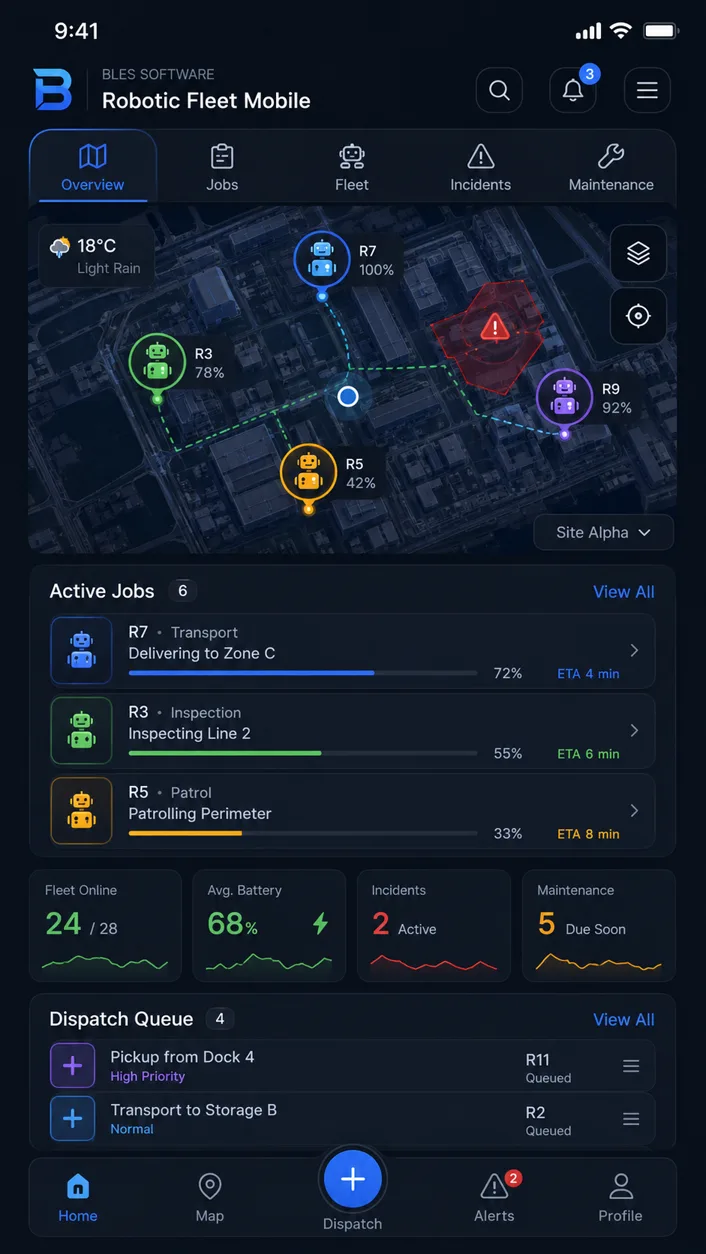
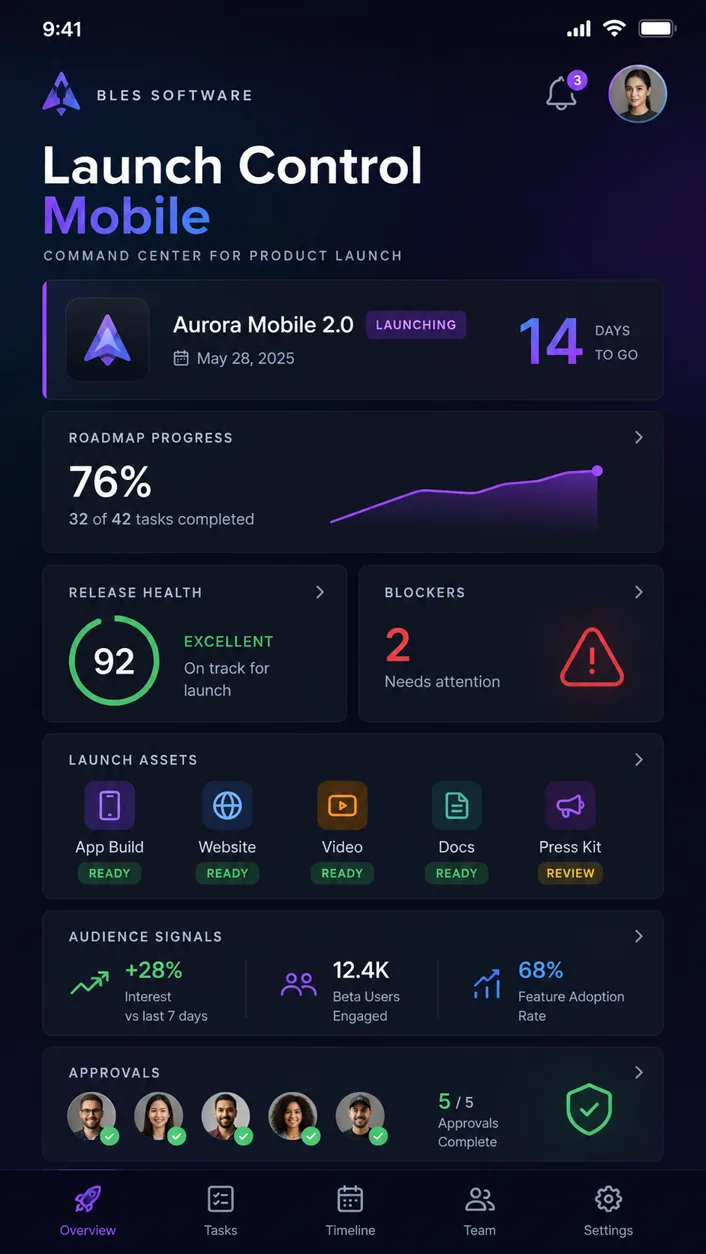
  1. Browse 12 app directions built for real business use cases.
  2. Enter email and describe the app you want from that UI.
  3. Go directly to frontend UI or MVP build checkout.

Make your own UI image prototype

Enter your email, write the prompt, and generate one free UI design direction. Then buy more UI designs or turn the result into a frontend/MVP build.

  1. One free prototype generation per user.
  2. Buy packs of 5, 10, or 15 more UI prototype generations.
  3. Turn the winning generated design into your own app.

Agency comparison

A traditional agency usually starts too slow for an MVP test.

This page is built for buyers who need to see and test a direction before committing to a large custom software project.

Traditional agency path

$15k-$50k common starting range for a custom MVP.
3-6 months before many buyers see a usable product.
Heavy discovery before the buyer knows if the UI direction works.

This can be right for a large production build, but it is too expensive and slow for many first validation steps.

Bles UI-to-MVP path

Start from a ready UI or one free generated UI direction.
Choose frontend UI or MVP backend only after the design is clear.
7-day refund safety if the first build direction is not satisfying.

The first commitment is smaller, faster, and tied to a visible UI direction instead of a blank proposal.

Social proof

Bles already has proof from software buyers, not only mockups.

The same delivery discipline behind the main Bles Software site is now applied to this faster UI-to-MVP funnel.

5.0

Verified Clutch review positioning, trusted by startups and Fortune 500 companies, with software projects across web, app, API, and MVP delivery.

"They always had something solid and impressive to show."

Eric RyanCo-Founder & CTO, Freeplay

"They are very collaborative in terms of financial and personnel needs."

Joe SaavedraCEO, Infinite Objects

"The most impressive thing about them is how fast they can find the best possible candidate for your specific needs."

Pablo Rodriguez GarciaSoftware Engineering Manager

"Their project management has been responsive and the team has been on top of all the details."

Jack ReiblingVP of Technology

Free UI prototype

Make your own UI image prototype for free.

Tell us what you want to build. The prototype flow creates one mobile UI design image and one desktop UI design image, not frontend code. Each user gets one free generation, then can buy more UI design generations.

Email first, then the promptEnter only your email. It becomes the login for your UI artifacts and the confirmation email after checkout.

Email is required before the free UI generation prompt. Selected starting style: Grid Overview.

Data dashboardCRMBookingPaymentsForms and leadsAI chatMarketplace starter

Preview brief

Grid Overview selected mobile preview

Your selected direction: Grid Overview

Write one or two sentences about your app so the free UI image prototype can start from your real use case.

Good inputs include your customer, your workflow, the first feature, and the screen you want to see first.

Prototype path

Write your app idea, get one free UI prototype, then choose the next step.

First, describe your app and use the one free UI design generation. Only after that result do the next-step options appear: select more pages, buy UI design packs, or choose the separate app-build path when a design is worth building.

What you get

Your prototype is designed to become a real app path.

Start with strong mobile and desktop UI design images, explore more design directions when needed, then choose the app-build path when the design is worth building. The build path uses Bles Software's agentic development workflow with visual QA and technical QA, so buyers can get a hosted URL, downloadable code, and a scoped MVP route without starting from scratch.

Mobile and desktop design images

Each UI generation is a matched design-image pair, not code.

One free generation

Every user can start with one free UI prototype before buying packs.

Paid exploration packs

Buy 5, 10, or 15 more UI generations when you want options.

7-day refund safety

If the first build direction is not satisfying, request a refund within 7 days.

FAQ

Common questions before starting the MVP path.

What are the two flows?

Start from an existing UI prototype and build frontend/MVP from it, or enter your email, generate one custom UI direction for free, then decide what to build.

Why do you ask for email first?

The email becomes the buyer login for generated artifacts and the confirmation message. No long form is required before the first prompt.

Is the free UI generation code?

No. The free step creates UI design images only: one mobile and one desktop direction. Code starts when you choose frontend UI or MVP.

What happens after the free UI?

You can buy 5, 10, or 15 more UI design generations, or move to frontend UI development or MVP backend development.

What does frontend UI include?

A responsive frontend based on the selected or generated UI, with a hosted preview link and downloadable source code.

What does the MVP backend include?

A scoped backend template for the first version, such as auth, database, forms, admin views, and core CRUD where appropriate.

Is payment active now?

For testing, package buttons open a $0 checkout. No Stripe payment is collected in the current test mode.

What happens after checkout?

The buyer receives confirmation by email and their email becomes the access key for generated UI artifacts and build handoff. In production, frontend/MVP orders trigger the Bles/Teleclaudious development agent workflow.

What is the refund promise?

If you are not satisfied with the first build direction within 7 days, you can request a refund.

Is X retargeting active?

Not in this test pass. The X pixel and retargeting layer will be added later before paid traffic starts.

Start now

Get the MVP direction for your business now.

Choose a ready UI or generate one new UI direction for free. Then use the $0 test checkout to validate frontend UI, MVP backend, or the next UI design pack before live payments go on.

Email first, then one free UI design generation.
Next payments are ready after the UI is created.
Frontend UI and MVP backend run through the agentic build path.